What Are AI Workflows? A Practical Guide for Beginners
Learn what AI workflows are, how they work, and how they can help automate repetitive tasks, organize information, and make everyday work more efficient.
Introduction
AI can do more than answer questions or generate text. When it is connected to a series of steps, AI can become part of a workflow that helps organize information, complete repetitive tasks, and move work forward.
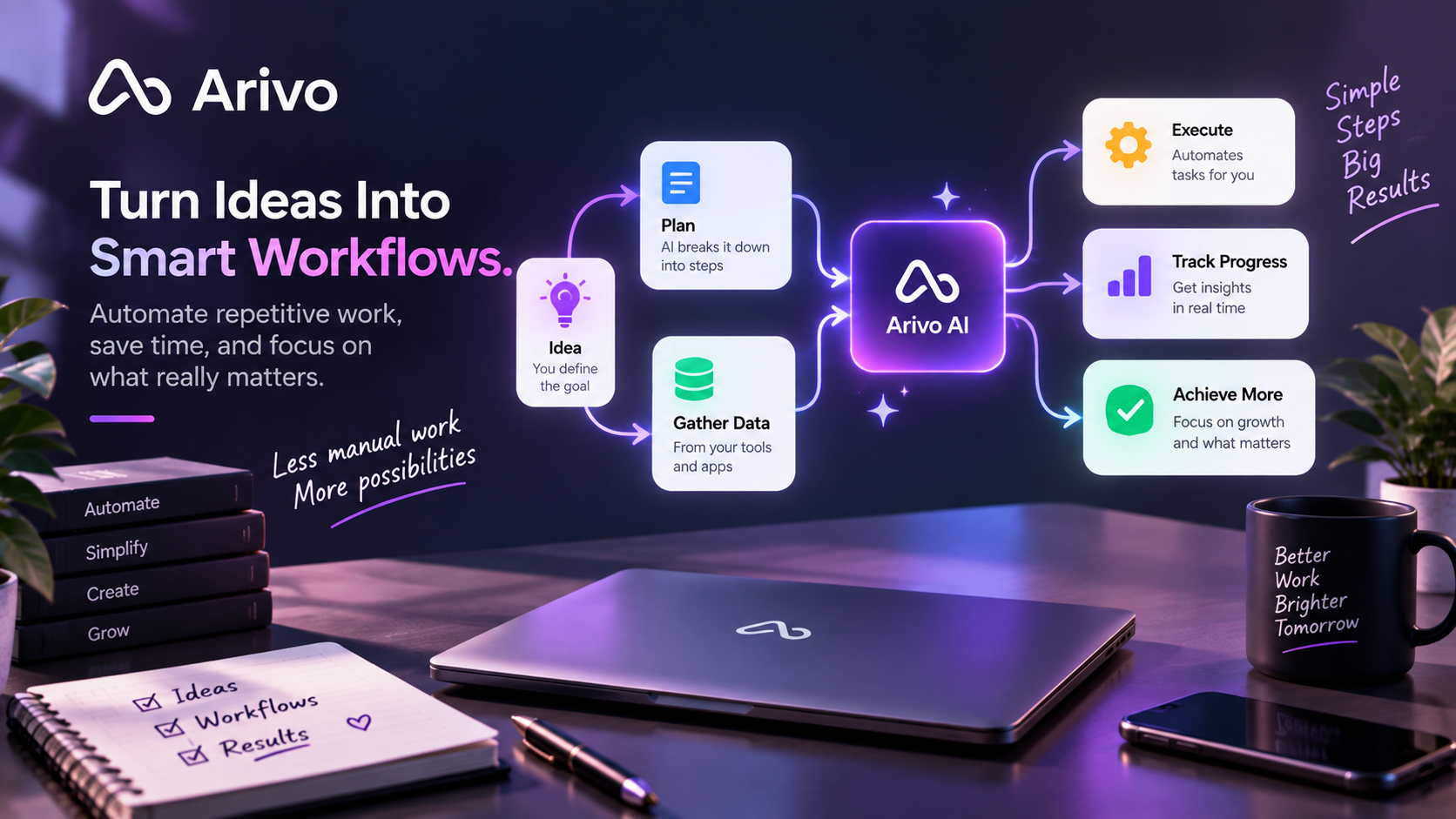
An AI workflow defines what happens first, what information is needed, where AI helps, and what should happen next.
In this beginner-friendly guide, you’ll learn what AI workflows are, how they work, where they can save time, and how to start building simple workflows without making your work more complicated.
What Is an AI Workflow?
An AI workflow is a sequence of connected steps where artificial intelligence helps complete part of a task or process.
Instead of asking AI one question at a time, a workflow gives the work a repeatable structure.
For example, a simple workflow could:
- receive a customer request;
- identify the important information;
- summarize the request;
- create a task;
- prepare a draft response;
- send the result for review.
The goal is not necessarily to automate every step.
A useful AI workflow combines automation with human review where judgment, accuracy, or approval is important.
How Do AI Workflows Work?
Most AI workflows can be understood through a few simple parts.
1. Trigger
The trigger is what starts the workflow.
It could be:
- a new email;
- a form submission;
- a new document;
- a customer request;
- a spreadsheet update;
- a scheduled task.
2. Input
The workflow needs information to work with.
This could include a message, document, spreadsheet, meeting note, customer request, or other data.
3. AI Action
AI then performs a specific task.
For example, it might:
- summarize information;
- classify a request;
- extract important details;
- create a draft;
- organize data;
- suggest next steps.
4. Next Action
The result can then move to another step.
The workflow might create a task, update a document, prepare an email, organize information, or send the result for human review.
A workflow is useful because these steps can happen in a consistent order every time.
AI Workflow vs. a Simple AI Prompt
A prompt usually asks AI to complete one task.
For example:
“Summarize this document.”
An AI workflow goes further.
It could receive the document automatically, summarize it, identify action items, create tasks, and prepare a short report for review.
The difference is the process.
A prompt helps with one moment of work. A workflow helps connect several moments into a repeatable system.
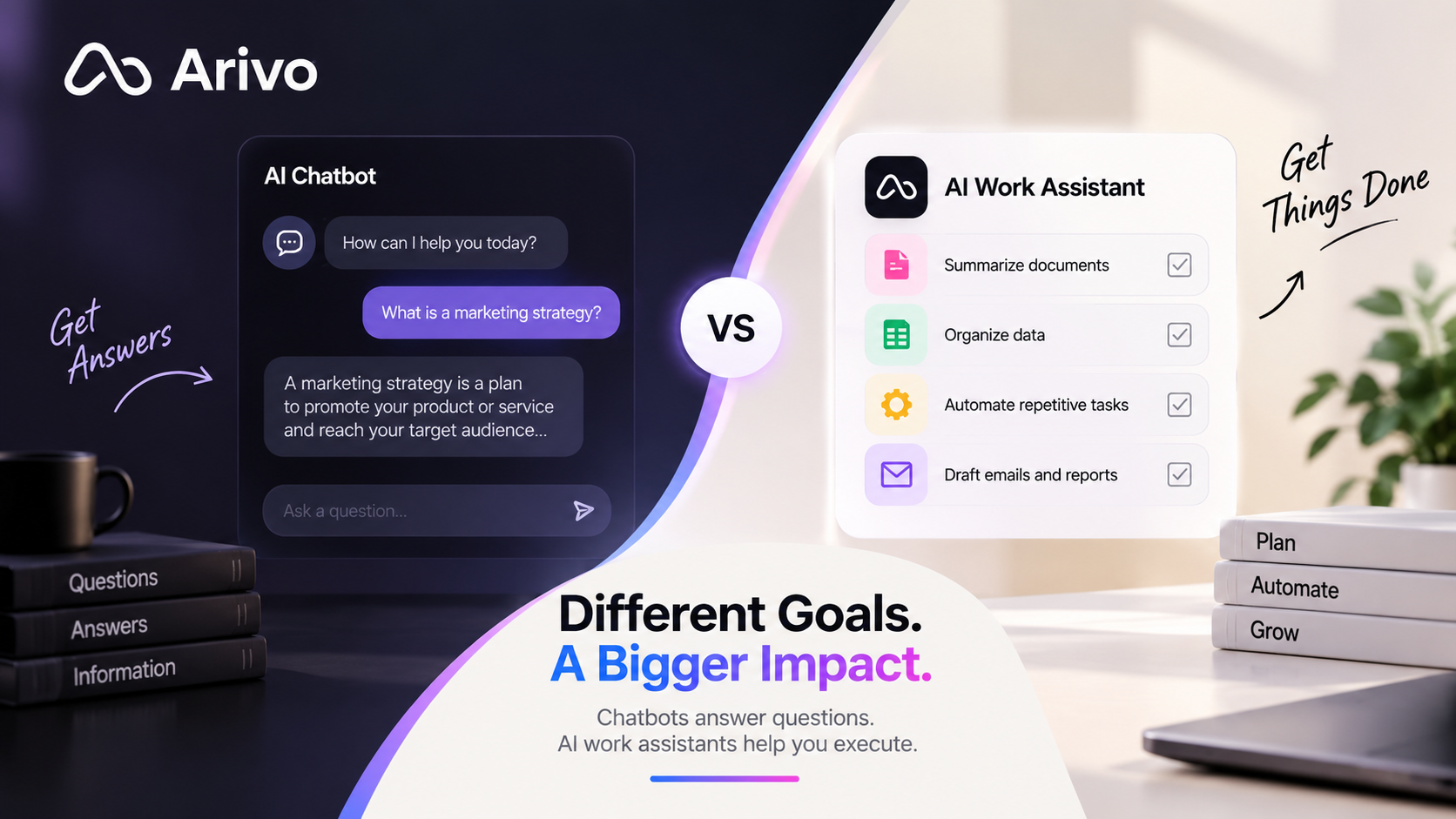
This is one reason an AI work assistant can be more useful than a basic chatbot for recurring work.
Why Are AI Workflows Useful?
AI workflows can help reduce the time spent on tasks that happen repeatedly.
They can be useful for:
- organizing information;
- processing documents;
- drafting routine communication;
- preparing reports;
- managing tasks;
- analyzing data;
- creating first drafts;
- turning notes into next steps.
The biggest benefit is consistency.
Instead of remembering and repeating the same process manually every time, the workflow follows a defined structure.
If repetitive tasks are already taking too much time, see our guide on how to automate repetitive work with AI.
Practical Examples of AI Workflows
AI workflows can be used in many everyday situations.
Customer Requests
A new request can be analyzed, categorized, summarized, and prepared for follow-up.
Documents
A document can be summarized, important information can be extracted, and next steps can be created.
If documents are a regular part of your work, see how to use AI with Google Docs.
Spreadsheets and Data
AI can help organize data, identify patterns, explain results, and prepare summaries.
You can find more examples in our guide on how to use AI with Google Sheets.
Meetings
Meeting notes can be transformed into decisions, tasks, deadlines, and follow-up actions.
Content Creation
Ideas or notes can be turned into an outline, first draft, and review checklist.
Reports
Data can be collected, organized, summarized, and prepared as a recurring report.
The best workflow is usually not the most complicated one. It is the one that solves a real repetitive problem.
How to Build a Simple AI Workflow
You do not need to start with a complicated automation.
Begin with one task that you repeat often.
Step 1: Choose One Repetitive Task
Look for work that happens every day or every week and follows similar steps.
For example:
- preparing a weekly report;
- organizing customer requests;
- summarizing documents;
- creating routine emails;
- updating information.
Step 2: Write Down the Steps
Describe how you currently complete the task.
This makes it easier to see where AI can help.
Step 3: Choose the AI Step
Decide which part is predictable enough for AI.
It might summarize information, organize data, create a draft, or identify important details.
Step 4: Decide What Happens Next
The AI result should lead somewhere useful.
That could mean creating a task, updating a document, preparing a reply, or sending the result for review.
Step 5: Test and Review
Do not automate everything immediately.
Run the workflow, review the results, and fix any problems before adding more steps.
This keeps the process simple and easier to control.
Where Should Humans Stay Involved?
AI workflows should not remove human judgment where it matters.
Human review is especially important for:
- financial decisions;
- contracts;
- sensitive information;
- important customer communication;
- legal matters;
- major business decisions.
AI can prepare information and reduce repetitive work, but the final decision should remain with the appropriate person when accuracy or responsibility matters.
Start Small and Improve Over Time
You do not need to rebuild your entire workflow around AI.
Start with one repetitive process.
Automate one useful step.
Measure whether it saves time.
Then improve it gradually.
Simple workflows that work reliably are usually more valuable than complicated automations that constantly need correction.
If your broader goal is to improve your daily work, see our guide on how to be more productive using AI.
Frequently Asked Questions
What is an AI workflow in simple terms?
An AI workflow is a series of connected steps where AI helps complete one or more parts of a task or process.
What is an example of an AI workflow?
A customer request could enter a workflow, be summarized and categorized by AI, turned into a task, and prepared for a human to review and respond.
Do AI workflows need to be fully automated?
No. AI workflows can include human review and approval. In many cases, combining automation with human judgment creates a more reliable process.
Are AI workflows only for large businesses?
No. Freelancers, creators, entrepreneurs, teams, and small businesses can also use simple AI workflows to reduce repetitive work and save time.