How to Use AI With Google Docs: Practical Workflows
Learn practical ways to use AI with Google Docs to summarize documents, improve writing, organize information, extract action items, and save time.
Introduction
Google Docs is useful for writing, sharing, and organizing documents, but many document tasks still require repetitive manual work.
Reading long files, restructuring notes, improving drafts, extracting action items, and preparing summaries can all take time.
AI can make these tasks faster by helping you work with the information already inside your documents. In this guide, you’ll learn practical ways to use AI with Google Docs to summarize, organize, improve, and transform content while keeping human review where it matters.
Why Use AI With Google Docs?
AI can be especially useful when a document contains information that needs to be understood, reorganized, or turned into something actionable.
For example, AI can help you:
- summarize long documents;
- improve existing writing;
- organize messy notes;
- extract important information;
- identify action items;
- create first drafts;
- restructure content;
- prepare follow-up work.
The goal is not to let AI replace your judgment.
It is to reduce the repetitive work around documents so you can spend more time reviewing, deciding, and improving the final result.
1. Summarize Long Documents Faster
Long reports, proposals, meeting notes, and research documents can take time to review.
AI can help create a shorter summary that highlights the most important information.
You might ask for:
- the main points;
- key decisions;
- deadlines;
- risks;
- questions that still need answers;
- next steps.
This can help you understand a document faster before deciding which sections need closer attention.
For important documents, always compare the summary with the original content before relying on it.
2. Improve and Rewrite Existing Text
AI can help improve text that already exists instead of always creating something from scratch.
For example, you can use it to make a paragraph:
- clearer;
- shorter;
- more professional;
- easier to understand;
- more structured;
- more appropriate for a specific audience.
This is useful for proposals, reports, internal documents, customer communication, and other business writing.
A good workflow is to create or review the main ideas yourself, use AI to improve the structure, and then make the final edits manually.
3. Turn Notes Into Structured Documents
Raw notes are often useful but difficult to work with.
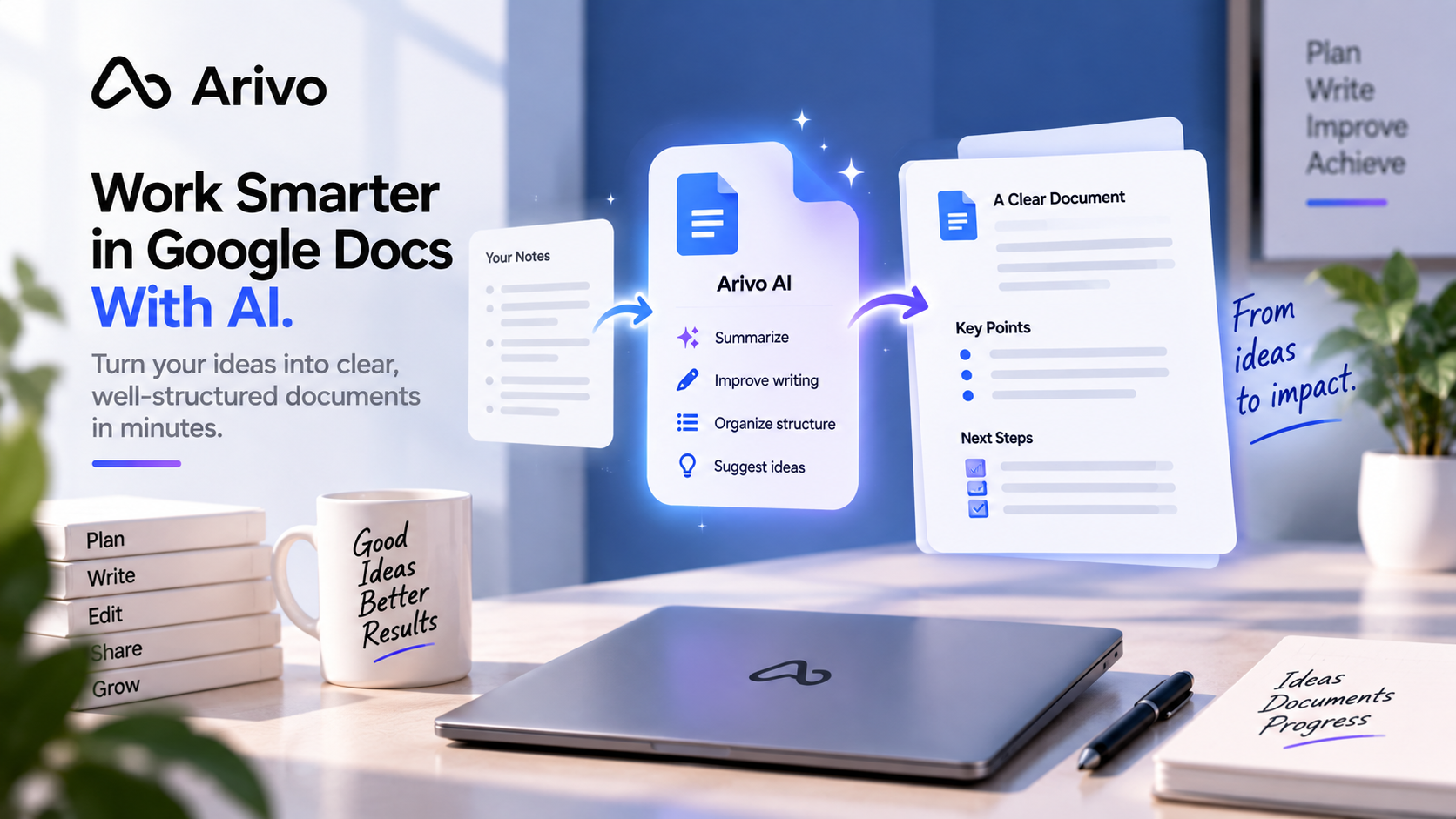
AI can help turn unstructured notes into a clearer document.
For example, meeting notes could be reorganized into:
Summary
Key decisions
Tasks
Deadlines
Questions
Next steps
The same approach can work for research notes, project ideas, customer feedback, or brainstorming sessions.
Instead of manually reorganizing every detail, AI prepares the structure and you review the result.
4. Extract Tasks and Action Items
Documents often contain decisions and responsibilities hidden inside paragraphs of text.
AI can help identify them.
For example, after a meeting you could use AI to extract:
- tasks that need to be completed;
- responsible people;
- deadlines;
- follow-up questions;
- unresolved issues.
This turns a document from passive information into something that can support real work.
When these actions become part of a repeatable process, they can also connect to an AI workflow.
5. Create First Drafts From Existing Information
Starting from a blank document can slow down the writing process.
AI can use existing notes, research, or project information to prepare a first draft.
This can work for:
- reports;
- project briefs;
- proposals;
- blog outlines;
- internal updates;
- customer summaries;
- meeting follow-ups.
The first draft should be treated as a starting point.
Add your own facts, experience, examples, tone, and final judgment before using the document.
6. Build Reusable Document Workflows
The biggest benefit can come from repeating the same useful process instead of starting from zero every time.
For example, a document workflow could look like this:
- collect meeting notes;
- summarize the discussion;
- identify decisions;
- extract action items;
- prepare a follow-up document;
- review the result.
Another workflow could take research notes, organize them into sections, create a first draft, and prepare a summary.
If you regularly repeat the same document process, see our guide on what AI workflows are and how they work.
Example: From Meeting Notes to Action Plan
Imagine you finish a project meeting with several pages of notes.
Without AI, you might need to reread everything, identify the important decisions, create a task list, and prepare a follow-up document manually.
With AI, the process could be:
- review the meeting notes;
- summarize the key discussion;
- extract decisions;
- identify tasks and deadlines;
- organize unanswered questions;
- prepare a follow-up draft.
You still review the final result, but much of the repetitive preparation is already completed.
This is a good example of how an AI work assistant can help move beyond a single question and support a practical work process.
Google Docs and Repetitive Work
Document work often contains repetitive steps.
For example:
- creating the same type of report every week;
- rewriting similar information;
- organizing recurring meeting notes;
- preparing standard summaries;
- extracting the same types of details.
When the process is predictable, parts of it may be suitable for automation.
For a broader guide, see how to automate repetitive work with AI.
Where Human Review Still Matters
AI can make document work faster, but important information should still be reviewed.
Be especially careful with:
- contracts;
- financial information;
- legal documents;
- sensitive customer information;
- important business decisions;
- facts that need to be accurate.
AI can organize or prepare information, but it should not automatically be treated as correct.
The final responsibility stays with the person using the document.
How to Start
You do not need a complicated system.
Start with one document task you repeat often.
For example:
- summarizing reports;
- improving drafts;
- organizing meeting notes;
- extracting action items;
- preparing recurring documents.
Test whether AI makes that task faster without reducing quality.
If it works, turn the process into a repeatable workflow.
If your broader goal is to improve everyday productivity, see how to be more productive using AI.
Frequently Asked Questions
Can AI summarize a Google Docs document?
Yes. AI can help summarize document content and identify key points, decisions, deadlines, or action items. Important information should still be checked against the original document.
Can AI help rewrite text in Google Docs?
Yes. AI can help make existing text clearer, shorter, more professional, or better organized while preserving the main idea.
Can I use AI for business documents?
Yes, but important business information should be reviewed carefully. Extra caution is needed for contracts, financial data, sensitive information, and decisions that require human judgment.
What is the best AI workflow for Google Docs?
Start with a simple workflow you already repeat, such as turning meeting notes into a summary and action list or turning research notes into a structured first draft.